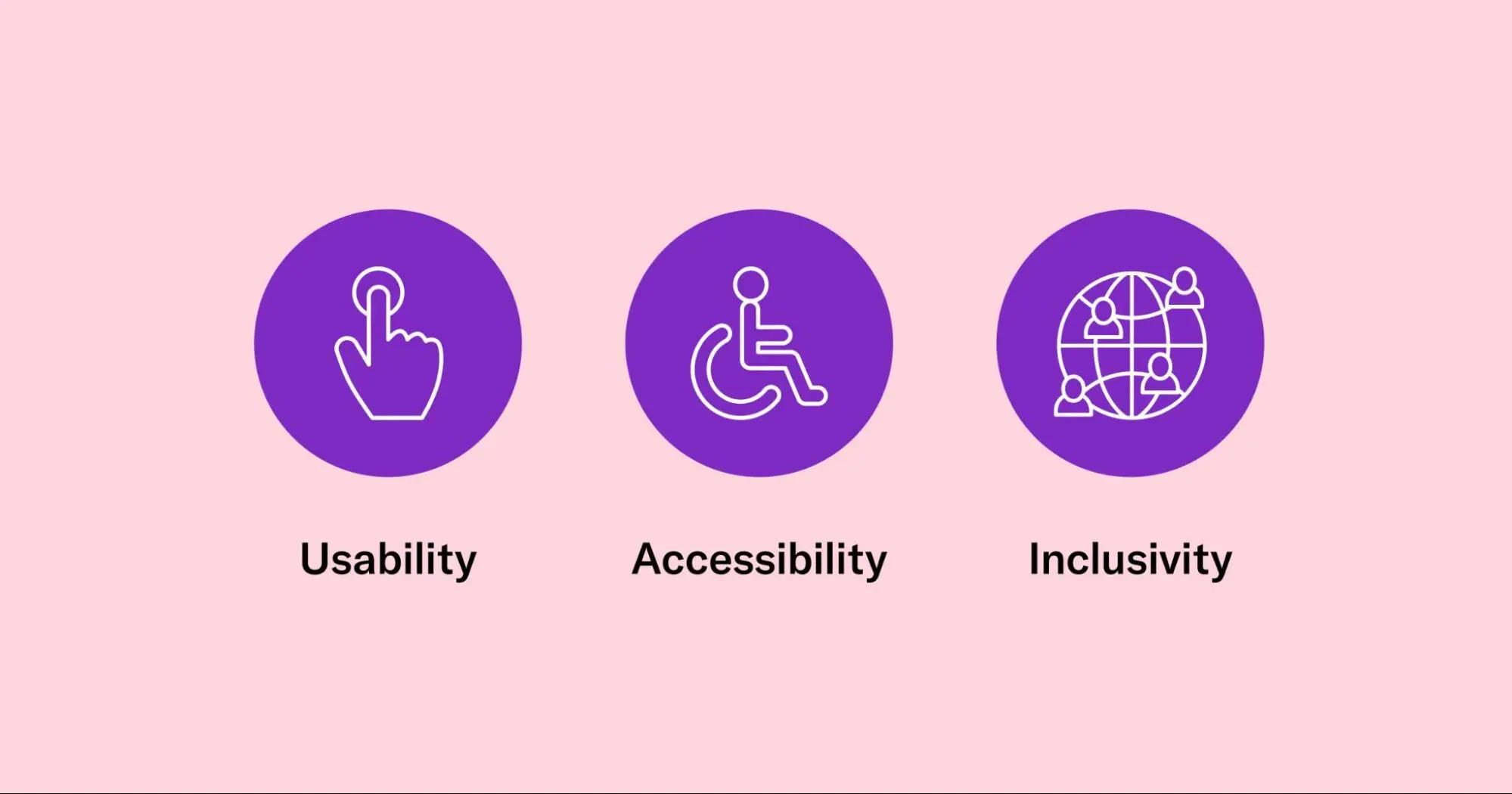
Designing for Accessibility: How to Make Your Website Inclusive
In today’s digital age, building your website with web accessibility in mind is no longer an option-it’s a must. When talking about inclusive design, we are going beyond just the technical requirements and embracing an ethical, business-smart, and future-proof mentality. Accessible websites don’t just serve people with disabilities; they serve everyone-from aging users with diminishing vision to multitasking mobile users in busy environments to people relying on assistive technologies. An inclusive website helps all these people navigate, understand, and engage with your content.
In 2025, the stakes are higher: users expect seamless experiences across devices, regulators are sharpening enforcement, and search engines reward sites that drive better usability. Investing in accessible design today protects your brand reputation, mitigates legal risk, and opens your digital doors wider. Quite simply: accessible design is inclusive design-and inclusive design drives better outcomes.
Understanding Accessibility in Web Design
To build an inclusive website, you have to ground your work in key guidelines and frameworks. The most recognized standard is the World Wide Web Consortium’s Web Content Accessibility Guidelines (WCAG) 2.1 and the emerging 2.2, which lay out success criteria for how web content can be made accessible to a wide range of users.
Within WCAG and accessibility theory, you will often hear what is referred to as the POUR principles:
- Perceivable: Information and UI must be presented in a way that a user can perceive it; it can’t just be invisible to all senses.
- Operable: The interface and navigation should be usable by all users, including people who need to use keyboards or other assistive devices.
- Understandable: Content and user interface should be understandable: language, design, and operation should be clear.
- Robust: Content has to be robust enough to work with a variety of different user agents, including assistive technologies.
Beyond these core accessibility pillars, inclusive design brings in broader thinking: designing for people of diverse abilities, backgrounds, and situations-e.g., low light, one-hand use, language barriers. When we adopt inclusive design, we move from “can this person use our website?” to “does every person feel welcomed, safe, and valued when using our website?”
Designing for Visual Accessibility
The most commonly addressed area is visual accessibility with good reason. A large proportion of users have some form of visual impairment, from low vision to color blindness to age-related changes, or situational limitations such as bright sunlight or a small mobile screen. Here are key tactics:
Color contrast & scalable text
Ensure that text and background colors meet contrast ratios, such as at least 4.5:1 for normal text under WCAG.
Also, allow users to scale text (via browser zoom or UI controls) so readability is not compromised.
Alt text & accessible images
Alt text should be provided for every image that carries information (i.e., not for purely decorative images). This is to ensure that screen readers and users who cannot view images are still able to get the information. The alt attributes of decorative images may be empty, but they should not interfere with the user’s experience.
Typography and visual hierarchy
Use clear, readable fonts – sans-serif is often preferred, suitably sized, and a logical heading hierarchy is followed: H1, H2. A clear layout helps not just screen-reader users but sighted users too.
Designing for color-blindness
Do not rely on color alone to convey meaning (example: “click the red button” is not enough). Instead, leverage icons, labels, contrast, and patterns. Inclusive design guidelines point out that relying on color alone creates barriers. You address these visual accessibility strategies to ensure a website that is more readable, usable, and inclusive. That’s what users and your SEO/engagement metrics need.
Designing for Auditory and Speech Accessibility
While visual access often dominates discussion, auditory and speech accessibility are equally important. Consider users who are deaf or hard of hearing, users in noisy environments, or those who rely on speech interfaces.
Captioning & transcripts for multimedia
Wherever applicable, provide captions or transcripts for the audio/video content. This allows users who cannot hear to access at least the content of the audio/video file. This also helps users who would rather read than listen and/or are in silent environments.
Making audio content accessible
If you provide audio (podcasts, voice-overs), provide text alternatives along with it. Also consider providing volume controls, adjustable playback speed, and not relying on hearing alone.
Voice-interface compatibility & speech recognition
As more users leverage voice commands, such as smart speakers, VR/AR, and mobile assistants, design your UI to be operable with speech and support speech recognition devices. Provide clear labels and responses, avoid heavy jargon, and anticipate misrecognition.
These approaches align with inclusive design because they ensure that auditory modes of input/output do not become exclusionary.
Enhancing Mobility and Navigation Accessibility
Navigation and mobility are important: many users cannot use a mouse or touch in the typical way – perhaps they rely on keyboard, switch devices, eye-tracking, or other assistive tools. Making your website operable by many means, building in accessibility from the ground up.
Keyboard-only navigation
Ensure that all interactive elements (links, buttons, form fields, menus) are accessible and operable using only the keyboard in any order. This will help when a user cannot use a mouse; therefore, keyboard operability is critical to them.
Semantic HTML & ARIA roles
Use native HTML tags to represent navigation, headers, mains, footers, buttons, etc., allowing screen readers to understand structure. Add ARIA roles where appropriate to support the accessibility of dynamic widgets.
Skip links, tab order, and focus indicators
Provide “skip to main content” links for screen-reader users. Ensure focus styles are visible (outline or highlight) so keyboard users know where they are. Ensure the tab order is logical.
Designing for assistive technologies
Screen readers, adaptive keyboards, eye-tracking devices, and voice control work all differently. Testing with these tools and designing for them will help you create a robust, inclusive experience.
By emphasizing access to mobility and navigation, barriers are reduced for users with motor, dexterity, or assistive-device needs, again broadening your user base and improving overall usability.
Cognitive and Learning Accessibility
Accessibility isn’t just about physical or sensory impairments. Many users have cognitive, learning, or situational challenges: for example, low literacy, non-native language speakers, ADHD, memory limitations, or situations of distraction. Inclusive design must account for cognitive load and clarity.
Simplify layout and language for clarity
Use clear, simple language; short sentences; clear headings; and, of course, consistent navigation. Avoid complicated jargon or any unneeded abstraction. This benefits users with cognitive impairments and helps all users scan and comprehend quickly.
Avoiding distractions, motion effects, and time-based actions
Motion, such as animations, auto-playing carousels, flashing content, or timed actions, can be disorienting or confusing. Provide user control to pause, stop, or hide it; if the content is motion-activated and this is reduced.
Consistent navigation and predictable interactions
Where users know what to expect, through the use of menus, buttons, and behaviors, they can learn quickly and feel confident. Consistency is a hallmark of inclusive design.
Cognitive accessibility is often overlooked, but emphasizing it improves usability for a wide spectrum of users and strengthens the inclusive design credentials of your website.
Accessible Design for Forms and Interactive Elements
Forms and interactive controls are some of the most error-prone areas in terms of accessibility, so being careful here pays great dividends.
Labels, placeholders, and error messages
Label each input field clearly, not just with a placeholder text. Error messages should be descriptive: explain WHAT went wrong, and HOW to fix it. Mark required fields clearly. Add instructions
Accessible buttons and input fields
Ensure buttons are keyboard-focusable, large enough to click/tap, and clearly labeled. Make sure input fields respond appropriately, support assistive technology (for example, aria-label, aria-describedby).
Real-world examples of accessible forms
For example: “Enter your email” label + field + explanatory text; error message “Please enter a valid email address” displayed in textual format, not just a color change. Avoid depending on color to indicate an error.
Accessible form design removes one of the major barriers: many users abandon a website when forms are confusing, unresponsive, or inaccessible. Inclusive design here may increase completion rates, trust, and conversions.
Accessibility Testing and Tools
You’ve designed well; now you must test. Accessibility needs verification from both automated and manual means.
Manual vs. automated testing
Automated tools can catch many issues, such as missing alt text or insufficient contrast, but they cannot catch everything, such as the context of alt text and cognitive clarity. Manual testing via keyboard only, with screen reader, and on various devices is critical.
Best free and paid tools
WAVE: Online tool for evaluating accessibility issues in pages.
AXE: extension for browsers to highlight accessibility violations.
Lighthouse (in Chrome DevTools): includes accessibility audits.
NVDA and JAWS: Screen readers used in manual testing.
Accessibility audits and user testing with diverse audiences
Involve users with disabilities (and situational impairments), ask for feedback. Periodically perform audits, since websites evolve. Record issues, prioritize fixes, and embed accessibility into your release flow.
Testing isn’t a one-time exercise; it’s part of the ongoing lifecycle of inclusive design.
SEO Benefits of Web Accessibility
Here’s where business meets ethics and strategy. Investing in web accessibility, and thus in inclusive design, has a number of benefits, from social good to measurable business and SEO ones.
Improved SEO rankings & user retention
Accessible sites tend to be better structured, such as semantic HTML, headings, and alt text, which search engines like. Lower bounce rates, better user retention, and improved usability amplify the SEO signal. For example, alt text provides additional context for search engines; clear navigation helps the bots crawl the site.
Google’s accessibility ranking signals
Not all of these factors are publicly confirmed by Google, but the search engine has indicated a preference for sites that deliver a stronger user experience, and accessibility is a key part of UX. An accessible site means more people can use it, which increases dwell time, reduces frustration, and enhances shareability.
Accessibility as part of Core Web Vitals and UX optimization
Accessible design and inclusive design support fast load times-less heavy scripts-better mobile responsiveness, semantic structure, and easier navigation of which align with performance and UX metrics that search engines reward. Thus, web accessibility isn’t a cost center; it’s a smart investment in audience reach, brand equity, and discoverability.
Conclusion
Designing for accessibility means embracing inclusive design: the notion that every person is entitled to engage with your website fully, irrespective of ability. Every layer matters: from visual and audio accessibility to navigation and cognitive clarity, to forms and interactive elements. But beyond compliance, accessible design is a strong business practice: it ushers in greater usability, amplifies SEO, builds brand trust, and opens up your content to more people. Start with your audit and checklist, bring in your users, and think of accessibility as a journey-not a one-time tick-box exercise.
Frequently Asked Questions (FAQs)
Web accessibility ensures that people with disabilities can perceive, understand, navigate, and interact with websites. It’s essential for inclusion, better user experience, improved SEO, and legal compliance.
You can use free tools like WAVE, axe, or Lighthouse for automated checks. Then do manual tests: keyboard-only navigation, screen reader trials (e.g., NVDA), and live user testing.
Features include: alt text for images, keyboard-friendly navigation, sufficient color contrast, descriptive links (not “click here”), ARIA labels where needed, captions/transcripts for media, and semantic HTML.